
How To Add Skillsets To An Engineer Profile
Learn how to efficiently update technician skillsets within the ServiceMate portal. This guide ensures your team members are correctly categorized, allowing for better job assignment.
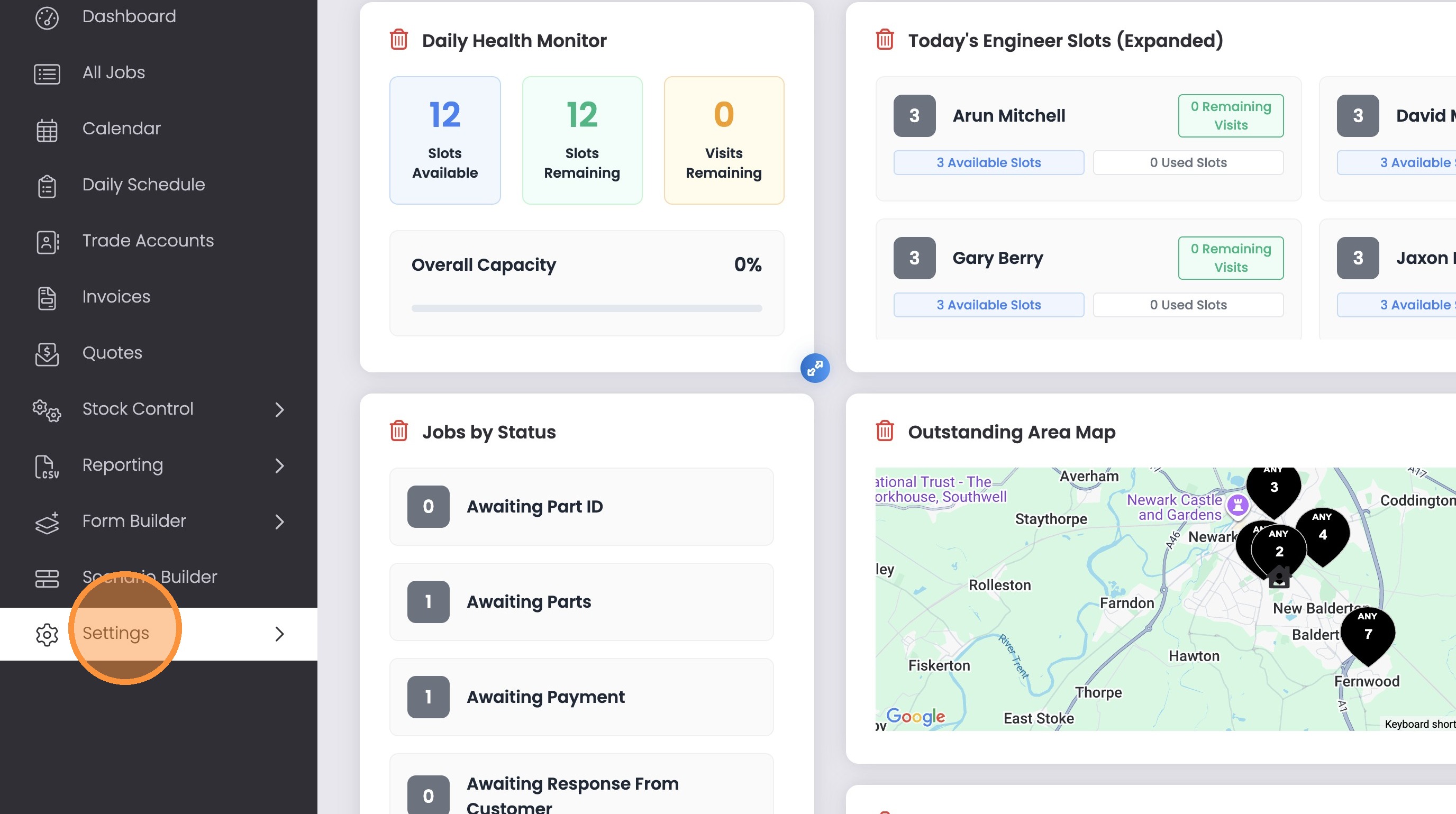
1. Click “Settings”
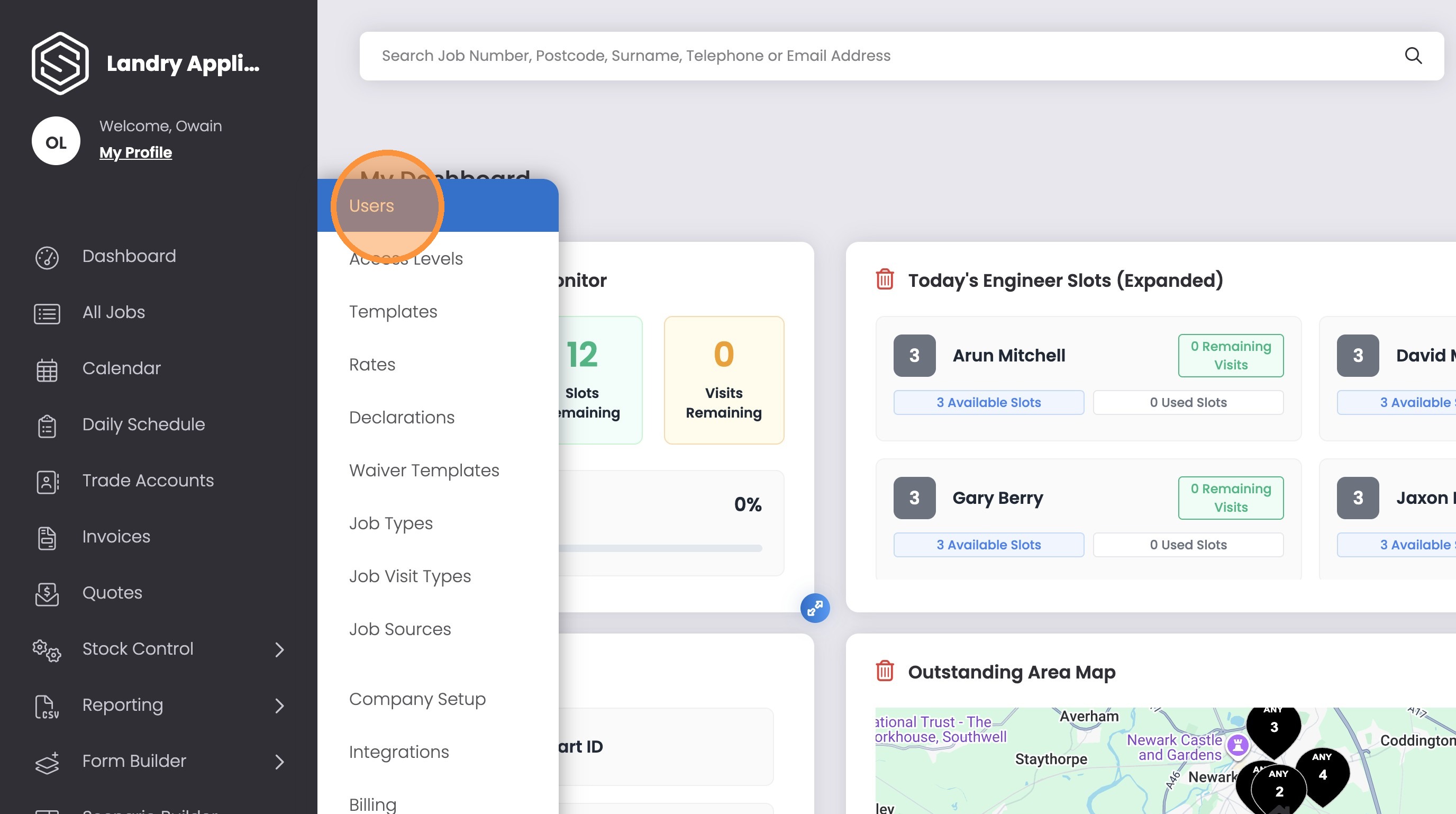
2. Click “Users”
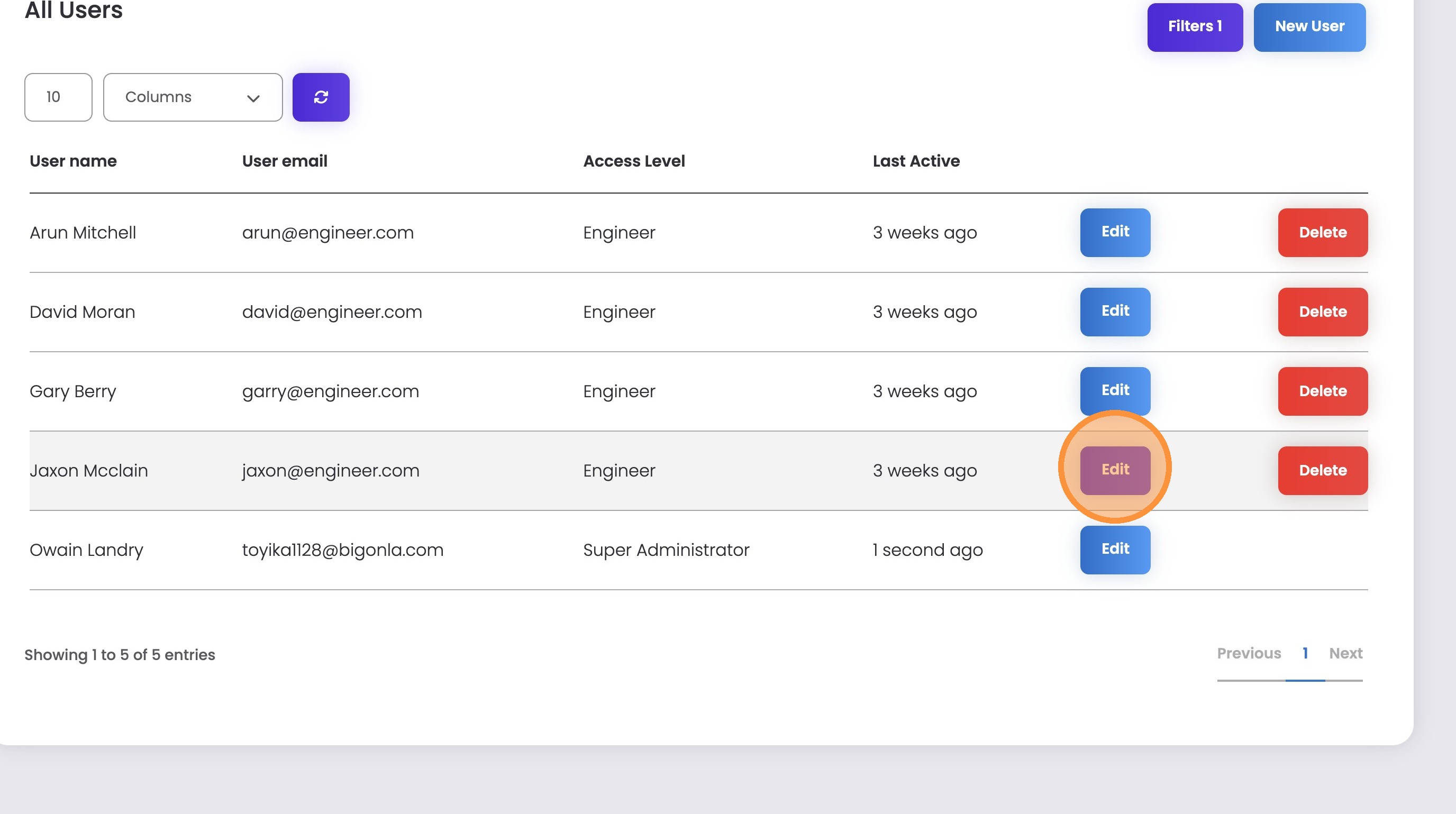
3. Click “Edit” next the required engineer
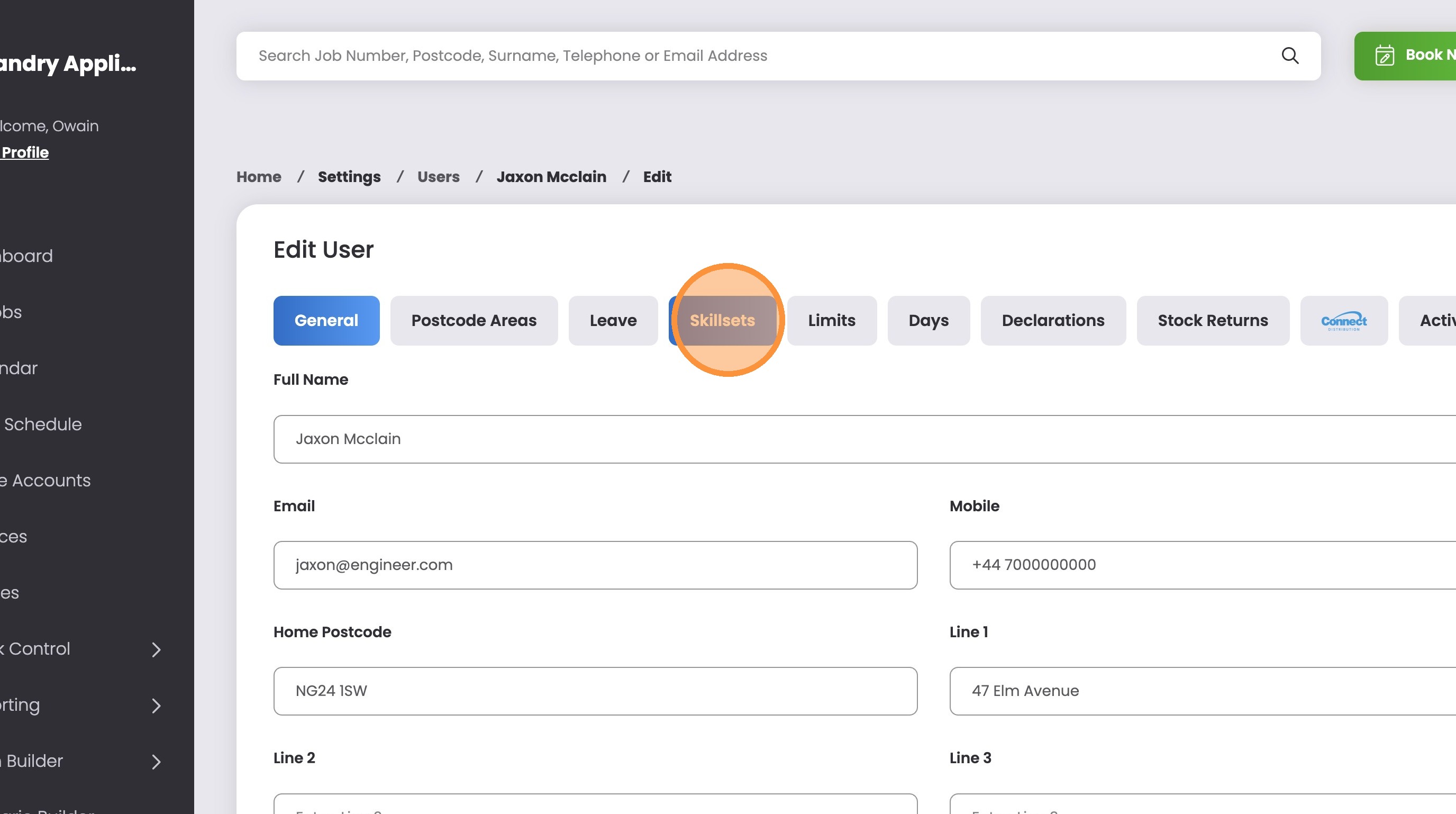
4. Click the “Skillsets” tab
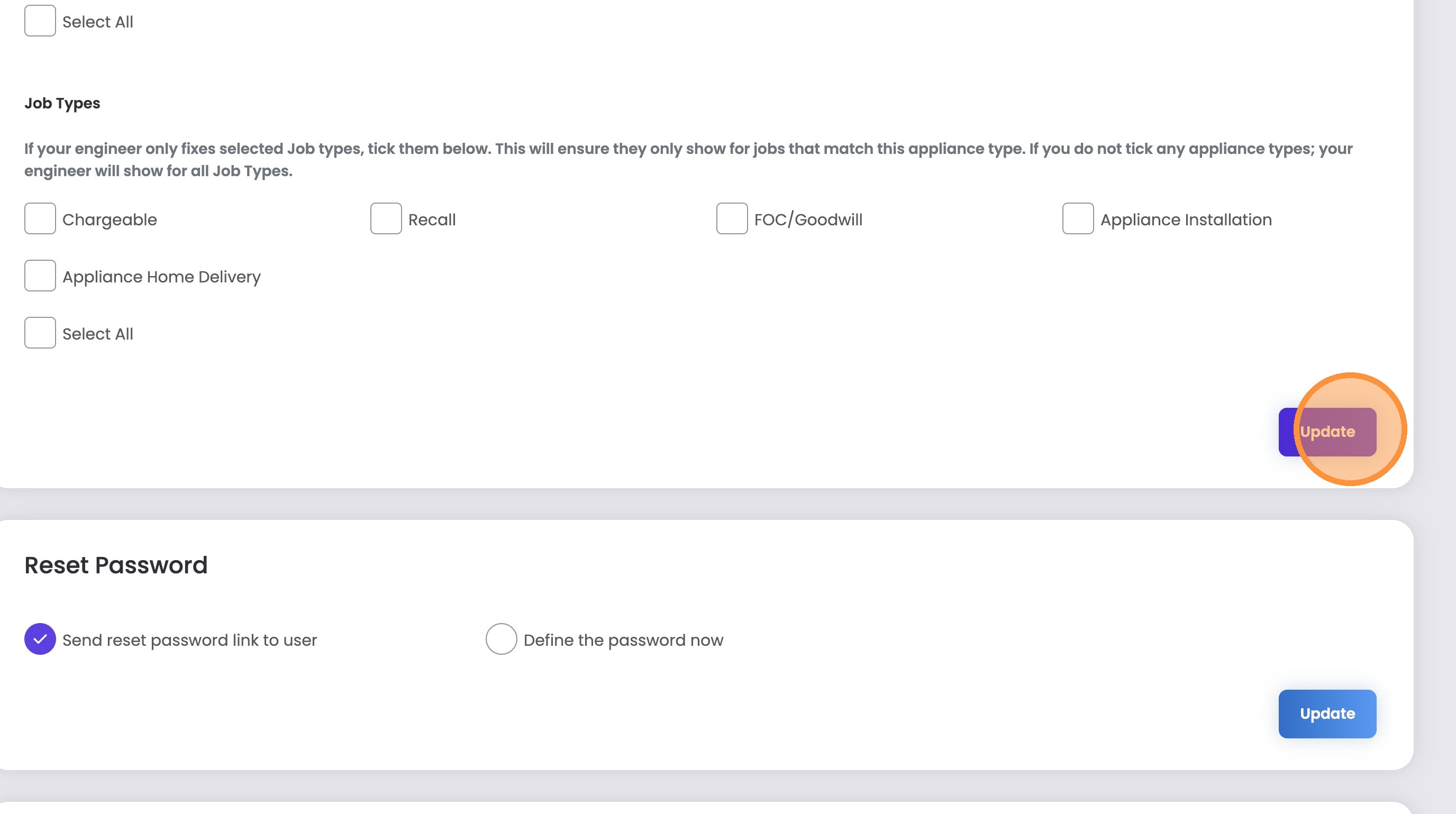
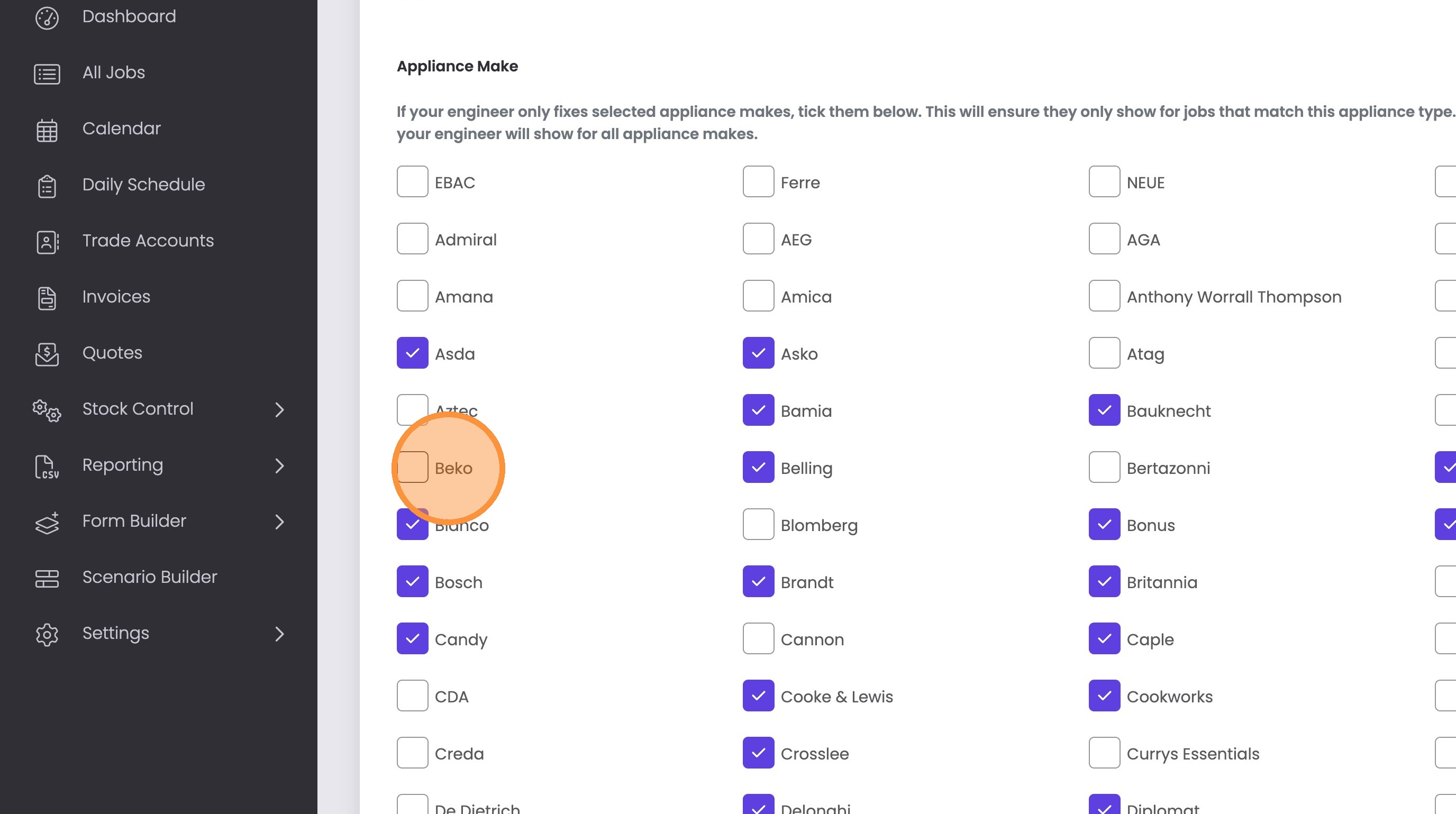
5. Tick any skillsets the engineer should have
You can tick individual skillsets or leave selections empty in order to have the engineer cover everything.
6. Click “Update”
All changes take affect immediately.