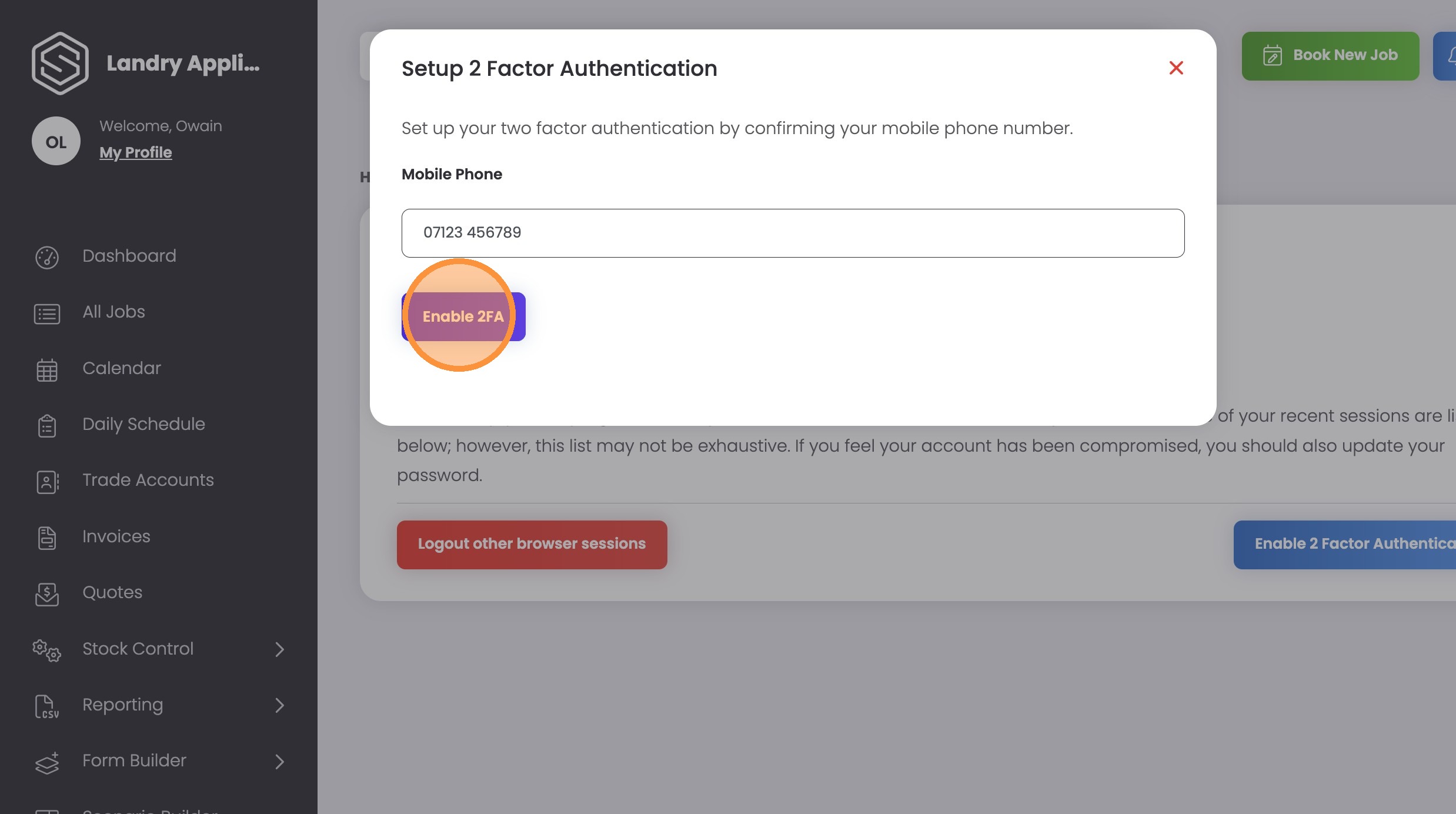

How to Enable Two Factor Authentication on ServiceMate
Secure your account by adding an extra layer of protection through two factor authentication. This guide provides a quick walkthrough on how to link your mobile phone number to your profile settings.
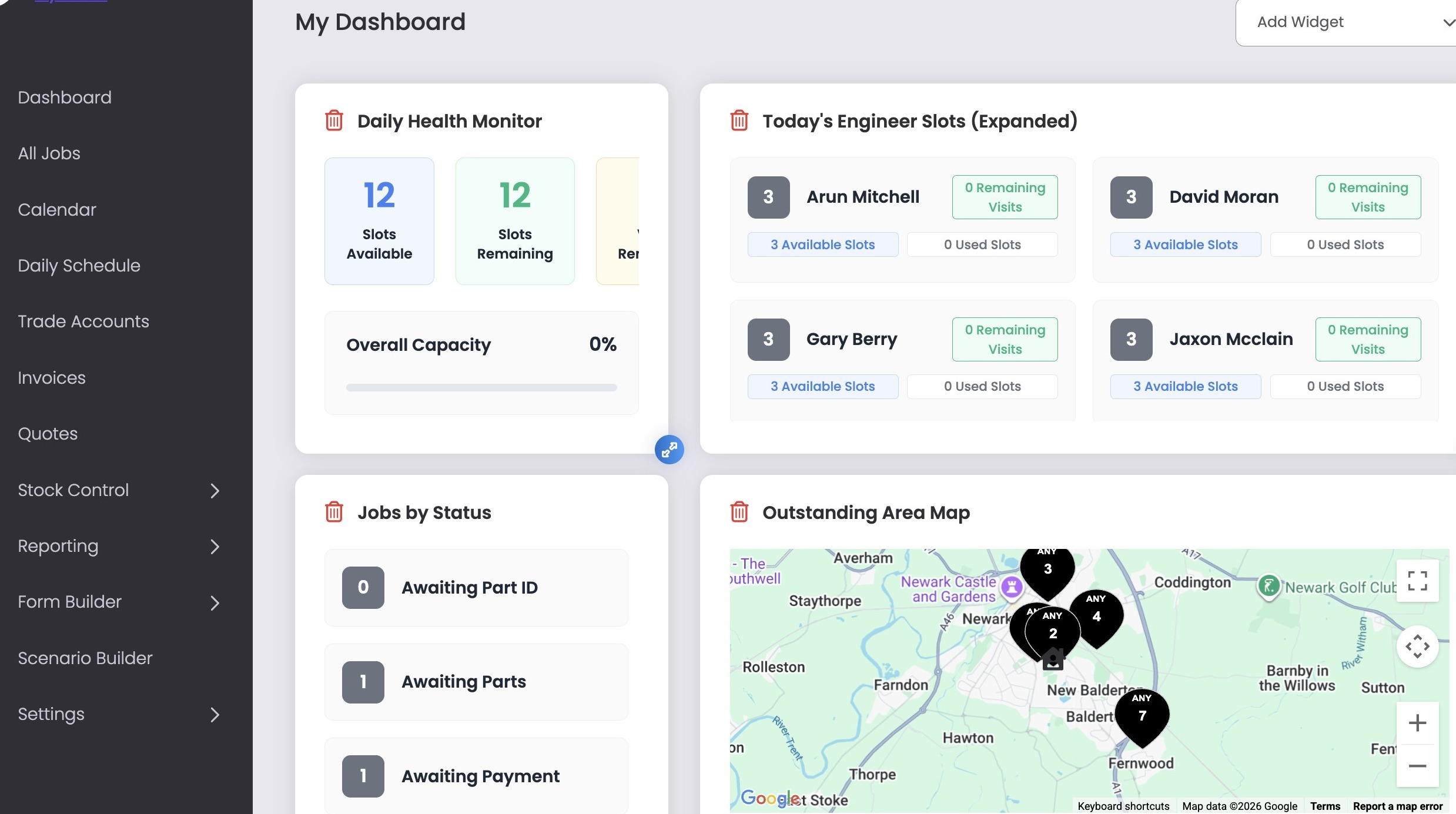
1. Navigate to your Dashboard
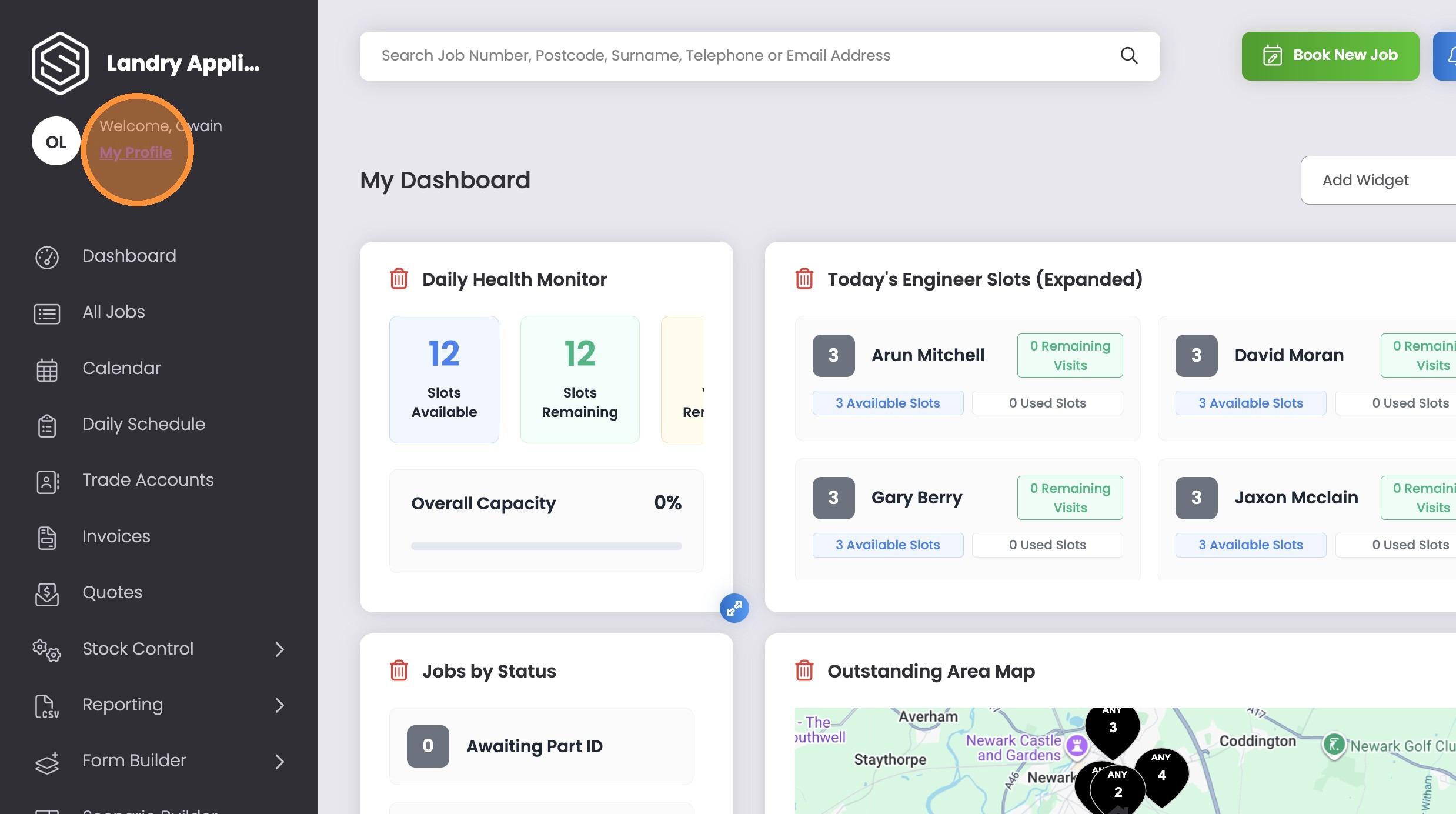
2. Click “My Profile”
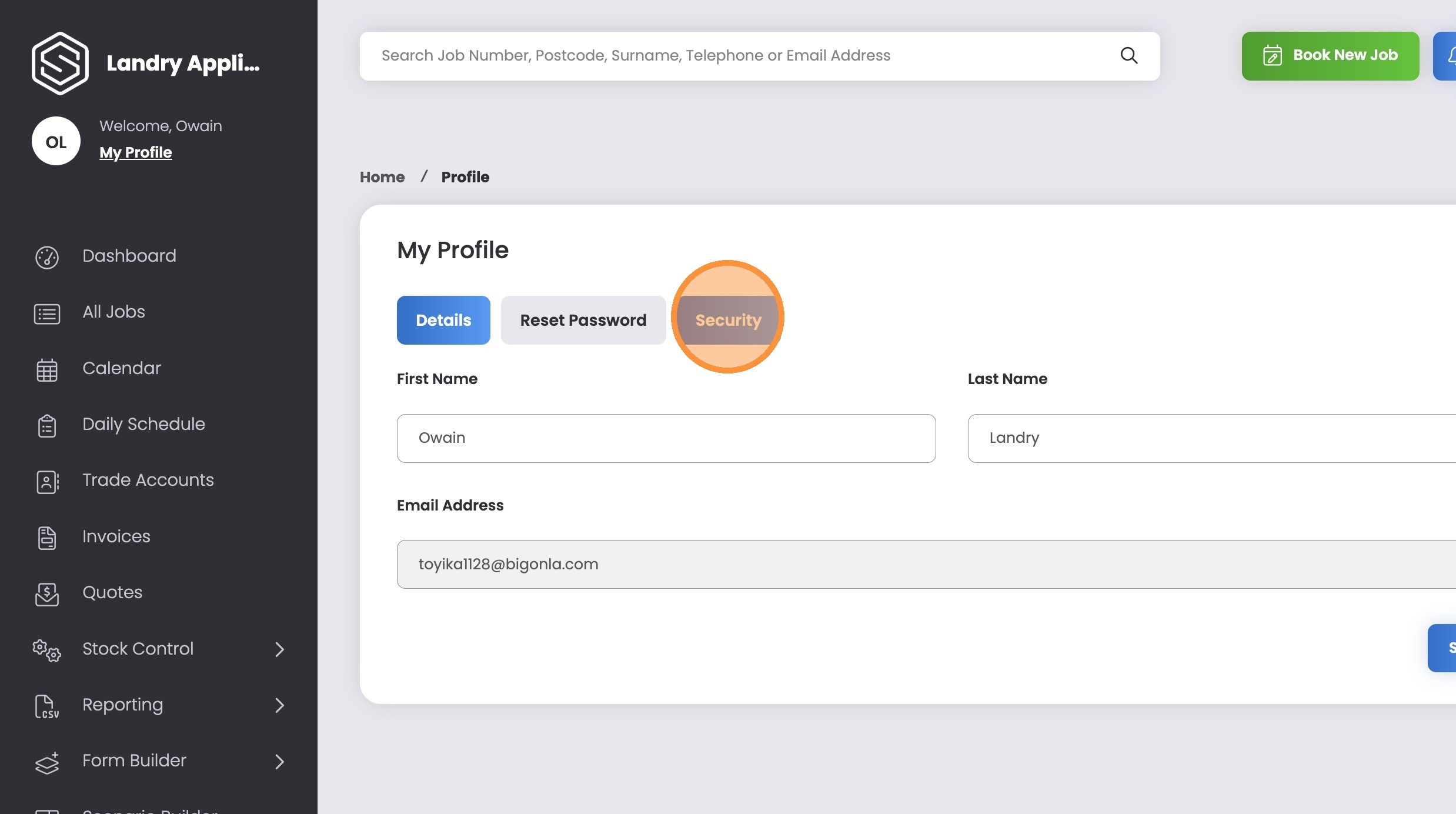
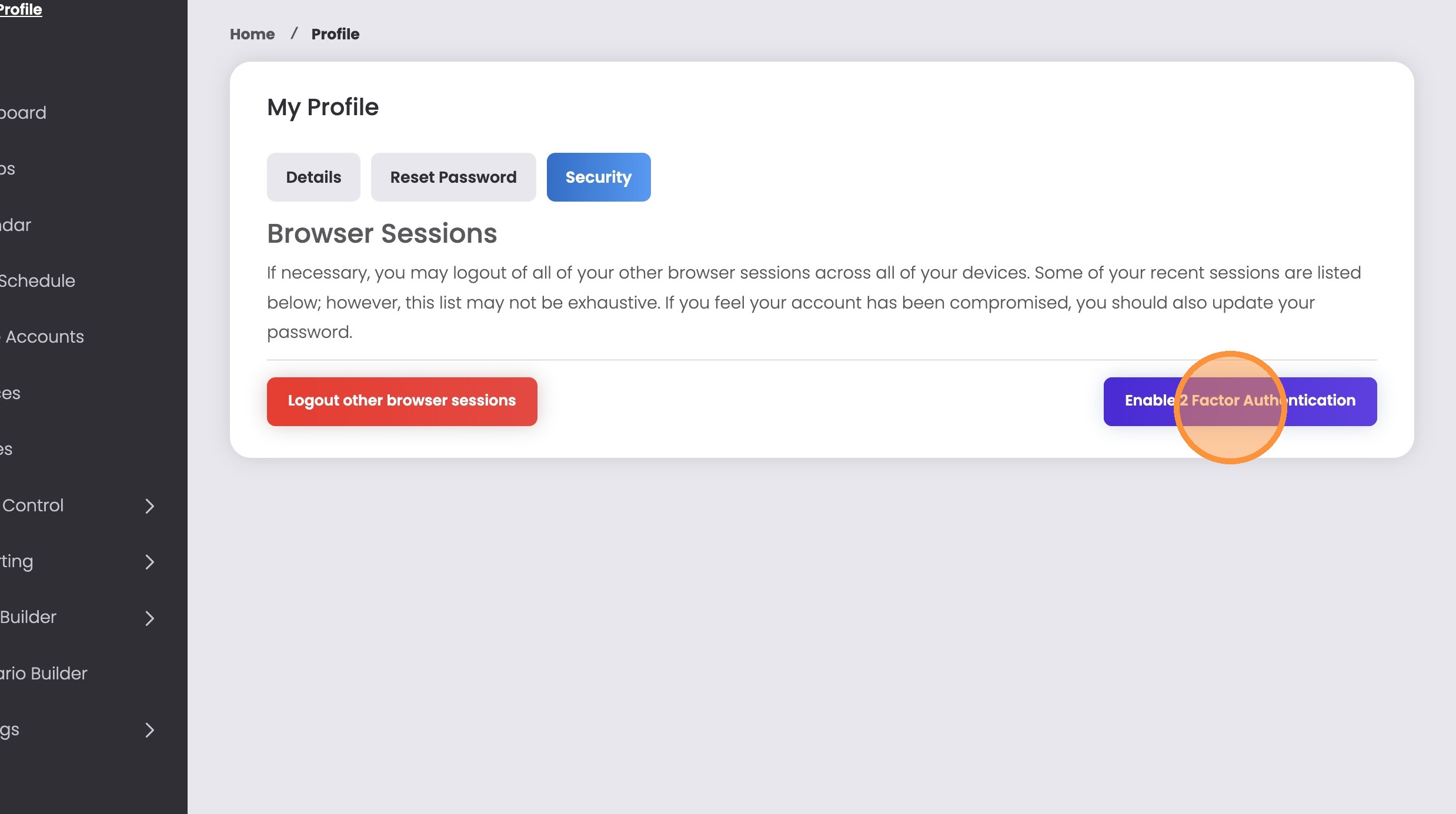
3. Click “Security”
4. Click “Enable 2 Factor Authentication”
5. Type your Mobile Number into Mobile Phone field if it is not already there
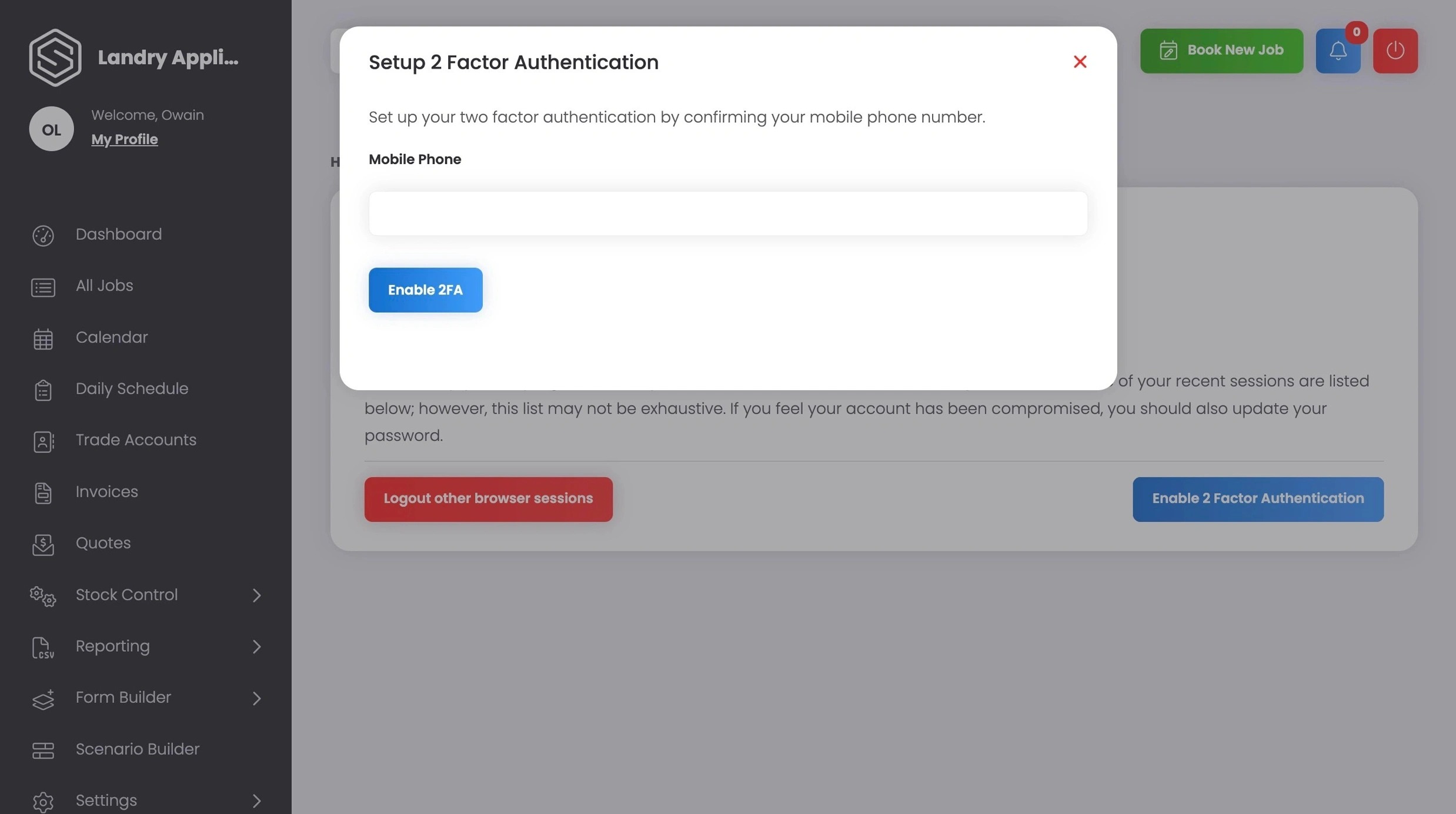
6. Click “Enable 2FA”