
How To Quickly Search For Specific Jobs
A very quick way to locate jobs by Job Number, Postcode, Surname, Telephone Number or Email Address.
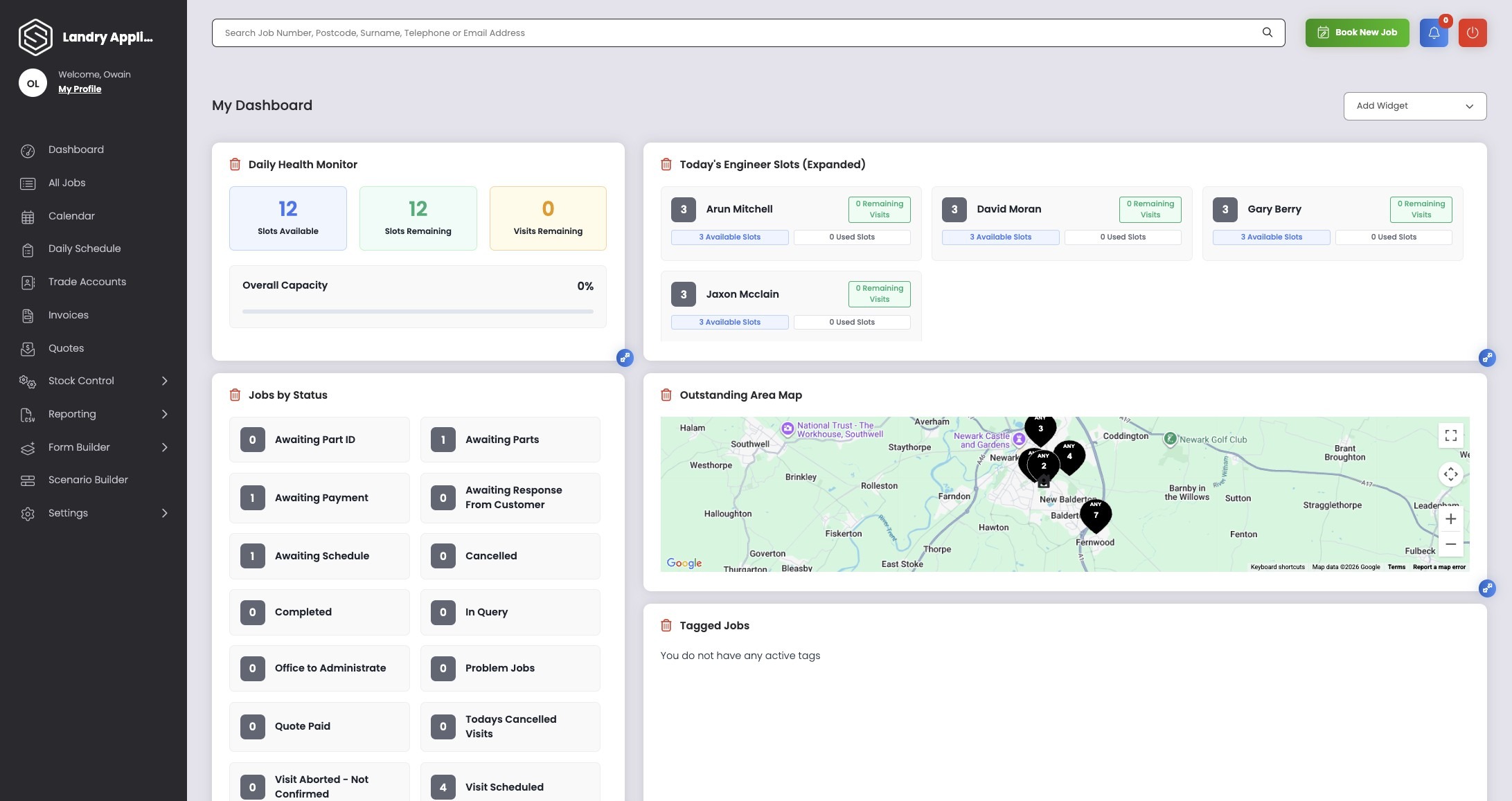
1. The job search bar is visible on all sections of the system.
Here, we are showing it on the Dashboard
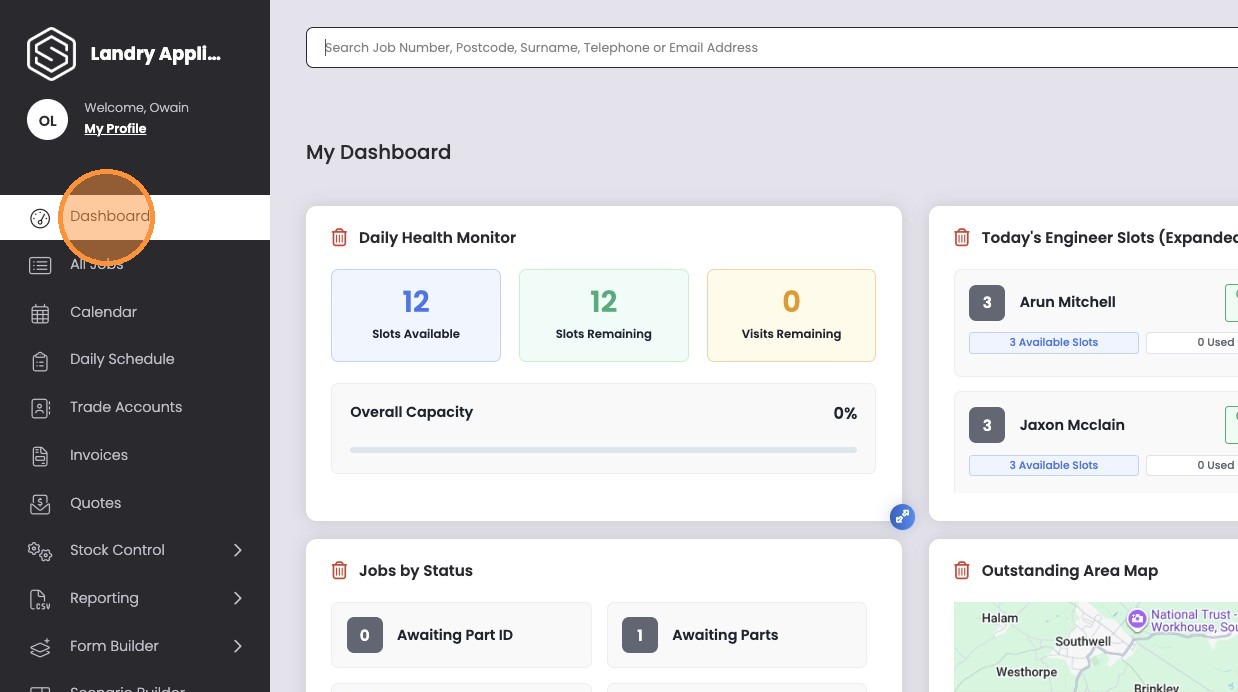
2. Click the “Search Job Number, Postcode, Surname, Telephone or Email Address” field.
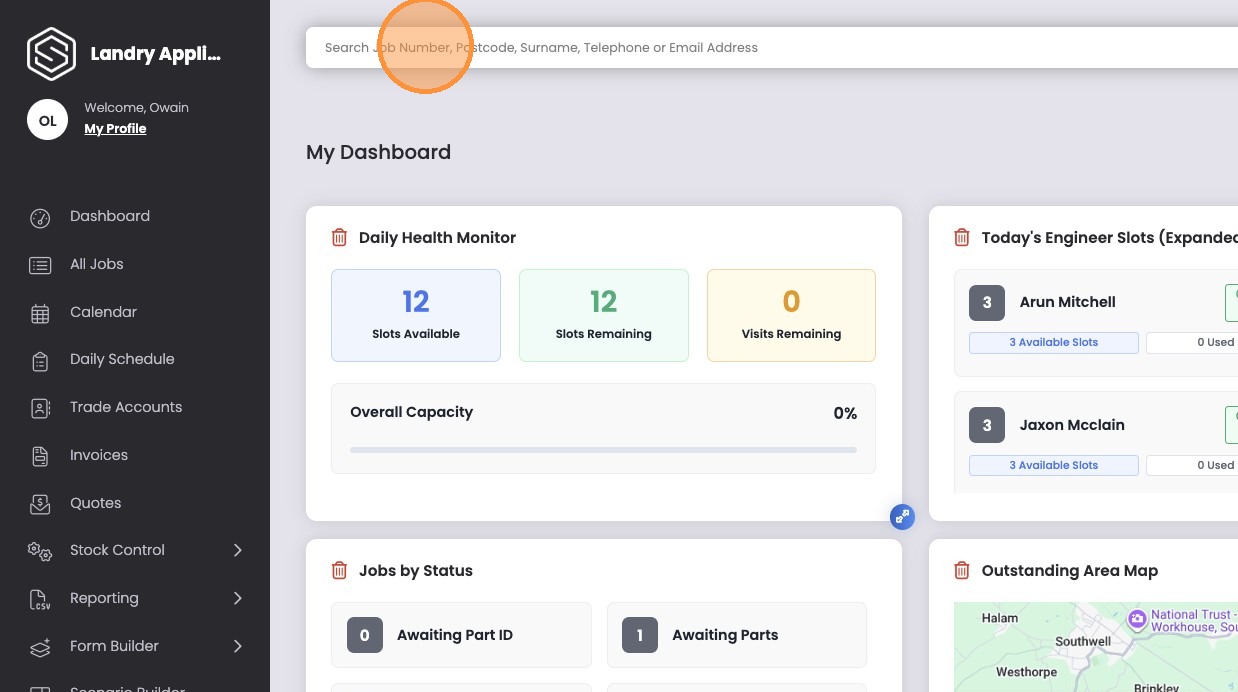
3. Enter your search criteria
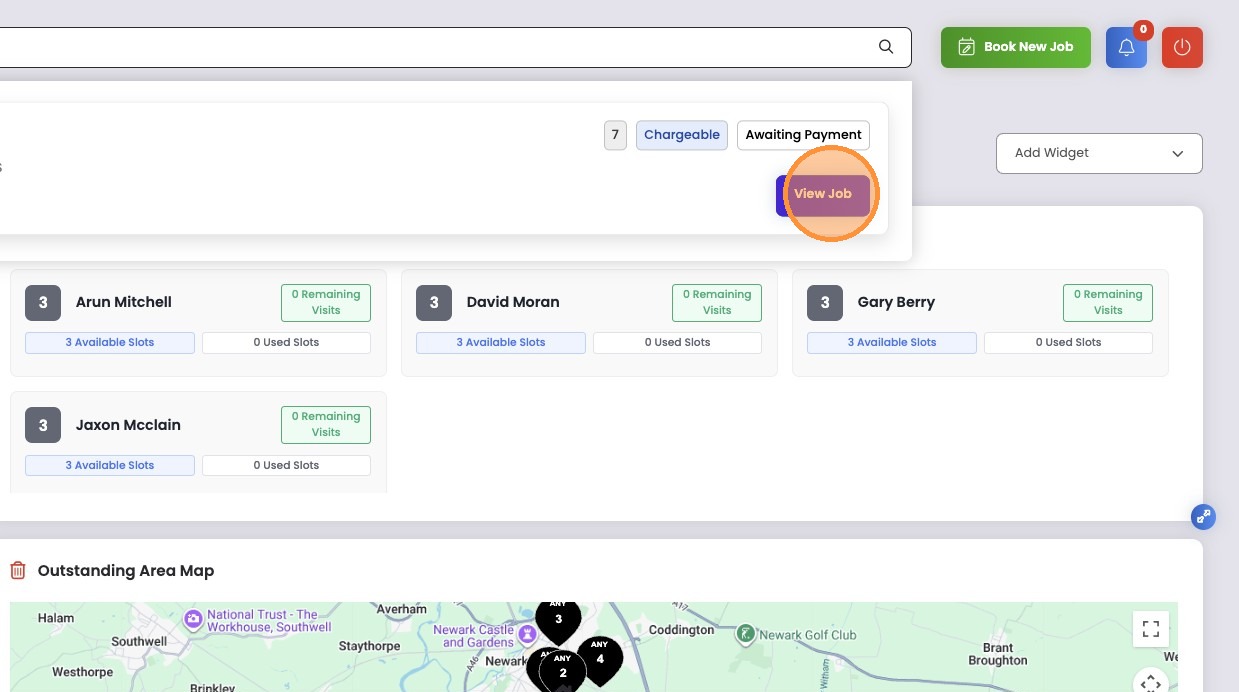
4. When results appear, Click “View Job”